
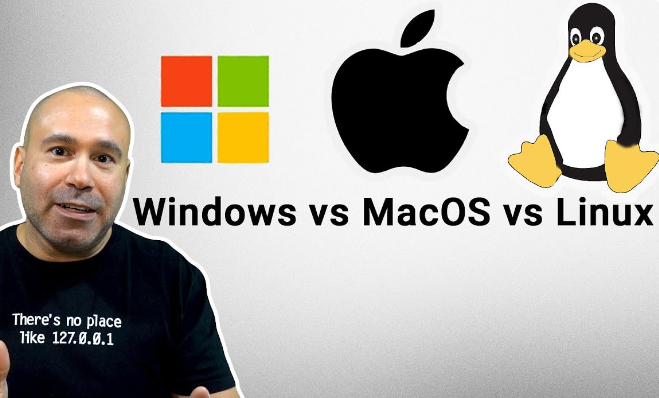
When it comes to setting up a development environment, the choice of operating system can significantly impact your workflow and productivity. Windows, macOS, and Linux each offer distinct advantages and limitations for developers. Understanding these differences can help you make an informed decision that aligns with your project requirements and personal preferences.
1. Windows Development Environment
Windows has long been a popular choice for software development, especially in the realm of .NET applications and game development. The Microsoft ecosystem provides robust tools like Visual Studio, which is known for its extensive capabilities and user-friendly interface. In addition, Windows supports a vast range of hardware configurations, making it versatile for development tasks such as gaming, database management, and enterprise applications.
However, Windows is not without its drawbacks. The regular updates and sometimes mandatory restarts can interrupt your workflow, and certain development tools may run slower or less efficiently than their counterparts on other operating systems. Additionally, while Windows Subsystem for Linux (WSL) has made strides in integrating Linux tools, compatibility issues can still arise with various open-source programs.
-
- Utilize Windows PowerShell for automated scripts and tasks.
-
- Consider using WSL for better access to Linux tools and environments.
-
- Leverage Visual Studio Code for a lightweight but powerful code editor experience.
-
- Keep your environment updated to mitigate security risks and performance issues.
-
- Explore Docker for creating isolated development environments.
2. macOS Development Environment
macOS is favored by many developers, particularly in the realms of web and mobile app development. The UNIX-based system allows for native command-line tools and a seamless integration of powerful development environments like Xcode for iOS apps. This makes macOS particularly appealing to those developing software for Apple devices, as testing and deployment are streamlined directly within the ecosystem.
Despite its advantages, macOS has certain limitations, such as compatibility with some enterprise applications mainly designed for Windows. Additionally, macOS hardware tends to be more expensive, and its closed ecosystem can lead to fewer options for software customization. Nevertheless, the stability and user experience offered by macOS often outweigh these downsides for many developers.
-
- Install Homebrew to simplify package management.
-
- Utilize Xcode for developing iOS and macOS applications.
-
- Explore Terminal for command-line access to powerful UNIX tools.
-
- Set up a version control system like Git for efficient project management.
-
- Back up your environment using Time Machine to safeguard against data loss.
3. Linux Development Environment
Linux is often lauded for its flexibility and customization options, making it an ideal choice for developers who require complete control over their development environment. With distributions like Ubuntu, Fedora, and CentOS, Linux provides a plethora of development tools and packages tailored for various programming needs. Moreover, the open-source nature of Linux fosters a community-driven environment with extensive support and resources.
However, Linux can come with a steeper learning curve, especially for those unfamiliar with command-line operations. Additionally, not all software is readily available for Linux, which can pose challenges when trying to run proprietary applications. Despite this, many developers appreciate the stability, security, and performance enhancements Linux offers, particularly for server-side applications and cloud development.
-
- Choose a distribution that matches your expertise (e.g., Ubuntu for beginners).
-
- Utilize package managers like apt or yum for installing software easily.
-
- Exploit flexible IDE options like VS Code or Atom.
-
- Incorporate version control with Git and host your repositories on platforms like GitHub.
-
- Familiarize yourself with shell scripting for automation of repetitive tasks.
Conclusion
In summary, the choice between Windows, macOS, and Linux for your development environment will largely depend on your specific use case and personal preferences. Each operating system has unique strengths and weaknesses that can influence your development experience. By exploring these options further, you can optimize your setup to enhance productivity and workflow.